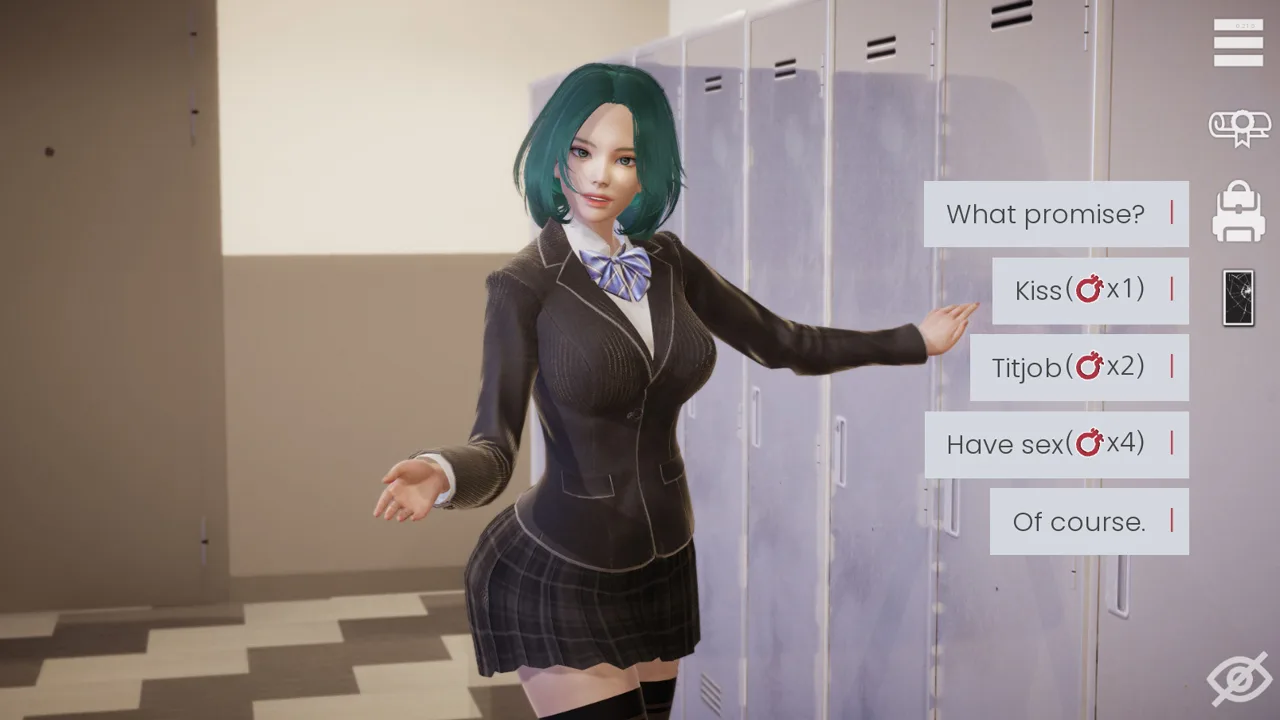
Opening quest order
- 01
Finish the school introduction
Speak with the available students, attend class and clear the task before leaving the school map.
- 02
Follow the Erica prompt
Use the back-alley route when the task points there. Return to the quest screen after the interaction completes.
- 03
Go home to Dana
Talk to Dana, advance only to the requested time segment and open every new phone topic.
- 04
Obtain and start the computer
Complete Amber’s request, then sleep so the next-day school and shopping triggers can appear.
- 05
Meet Luna at school
Use the next morning school prompt, then continue to Ophelia when the computer task points to her.
- 06
Open the gift-shop route
Meet Anriel in the shopping district, then complete the Makoto and Amelia conversations named by the quest.
- 07
Return home and use Rest
Finish the new Dana conversation, check the computer and use the phone’s Rest action when it becomes available.
Opening checkpoints
| If you are here | You should have | Next check |
|---|---|---|
| School exit | Class and the back-alley task visible | Erica location marker |
| First home return | Dana dialogue and new phone topics | Answer every unread phone option |
| After buying the computer | A sleep objective | Next morning school marker |
| Shopping district | Ophelia computer step complete | Anriel gift-shop introduction |
| First free route choice | Computer active and Rest available | Make a named manual save |
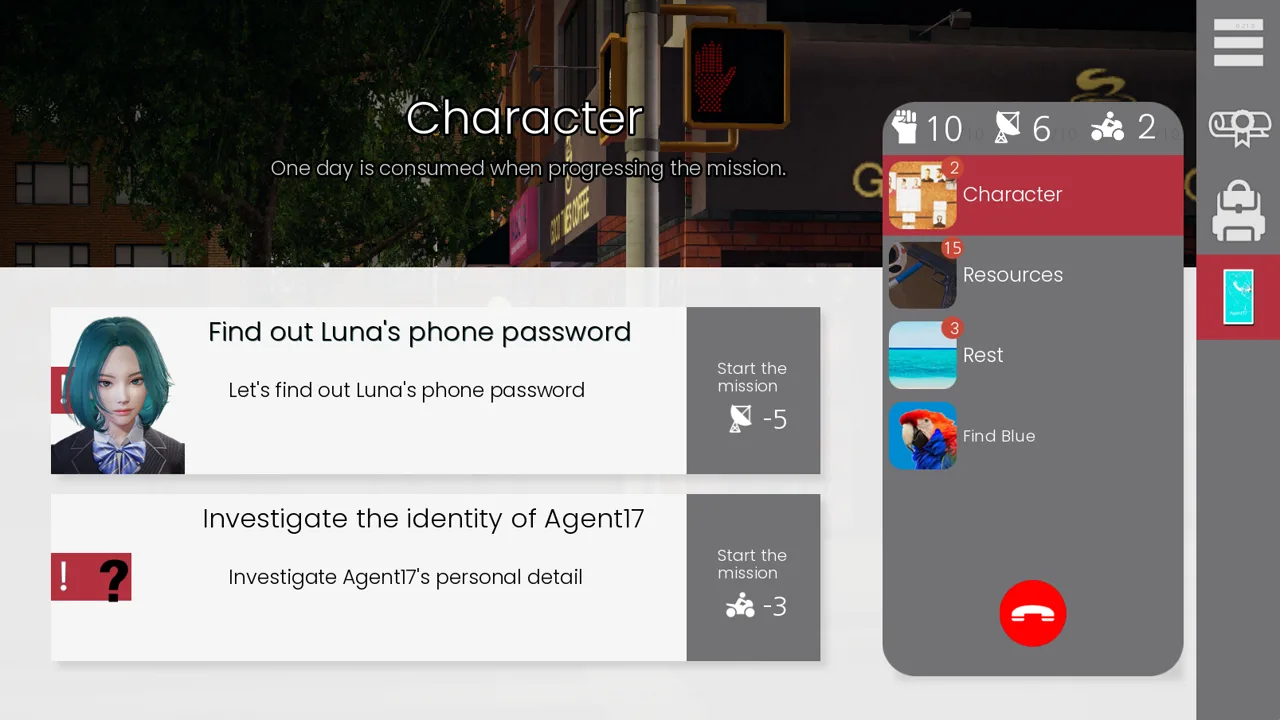
A completed conversation often hands the route to a different character or time segment. The quest list shows that handoff sooner than repeating the same dialogue.
Quick answers
Frequently asked questions
Where should I go first in Agent17?
Start at school, clear the available conversations and class task, then follow the back-alley prompt.
When do character routes open?
They begin to overlap after the phone, computer, shopping district and Rest actions are available.
Why did the next morning event not appear?
Check for an unread phone topic, unfinished computer step or a task that requires a specific time segment rather than a full-day skip.
Source desk
Sources used on this page
Reviewed
- 01
- 02
- 03